 Where Is The Bus 公車在哪裡
Open the app.
See who arrives first.
Type the route number you ride, pin it, and every bus on that route shows up on one map — one colour per route. Tap a stop for arrival times along the whole line, offline included.
What makes waiting annoying
You can read "3 min" and still have no idea where the bus is.
Refreshing the page all day
Transit websites only update when you reload them. Switch apps and come back, and you are still looking at last minute's screen.
You can't see where the bus is
A list says "3 min", but is the bus two corners away or just leaving the depot? There is no way to tell.
"Arriving" for ten minutes
The countdown freezes at "Arriving" and stays there. You can't tell a bus that is about to pull in from one that has stopped moving.
One map, six things
It only does "where is the bus", so each part is finished properly.
Every bus on the map
Not just the nearest one. Every bus currently running the route is drawn on the map, each marker facing the way it is travelling.
One colour per route
The route line, its stops and its bus markers share one colour. Pin several routes and no two of them look the same.
Tap a stop, see the line
Tap any stop and the app lists arrival times for every stop in that direction, with the stop you tapped marked.
Works offline
Routes and stops you have opened are kept on the device, so the last route still shows up with no connection at all.
Dark mode and night headlights
The map tiles turn dark with the interface. After sunset, moving buses switch on their headlights so you can see which way they are driving.
Chinese and English
The interface, the map's street and place names and the stop names all switch together. English stop names come from the official names.
Three steps, then it just works
Set it up once and open the app every day.
Type the route number
Enter the number you ride and the app suggests matching routes as you type.
Pin it
Tap + to pin. The route line, its stops and the buses running it appear on the map at once.
Open and see who's first
Next time you open the app the map is already there, route pinned, and you can see which bus is closest.
Screens
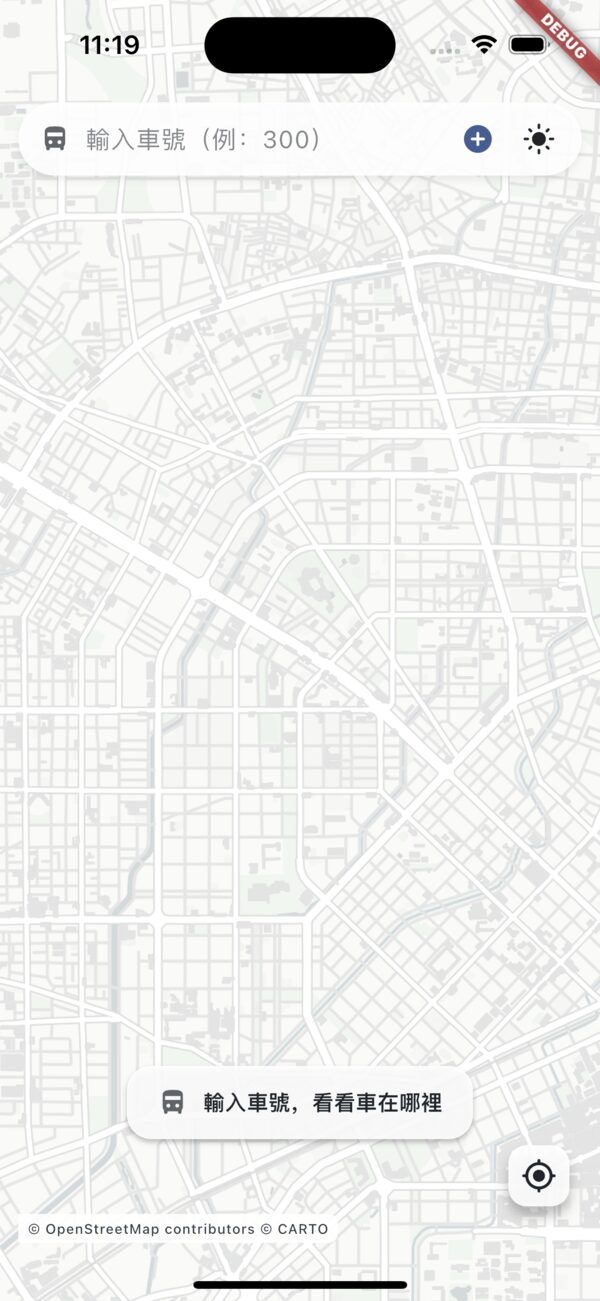
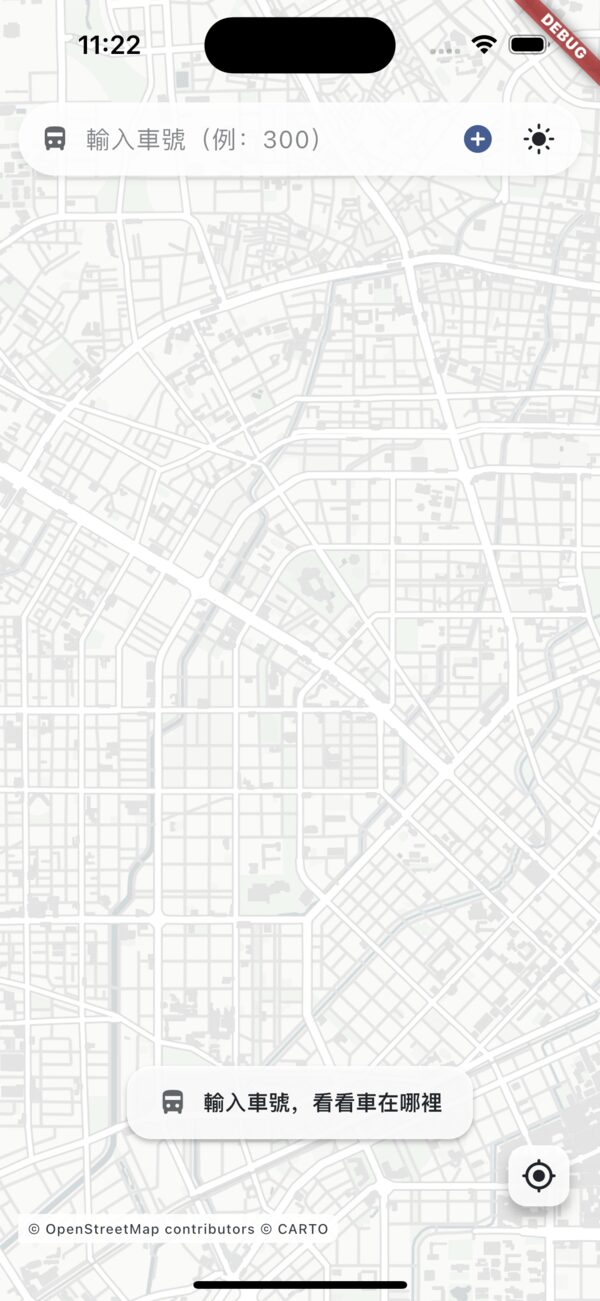
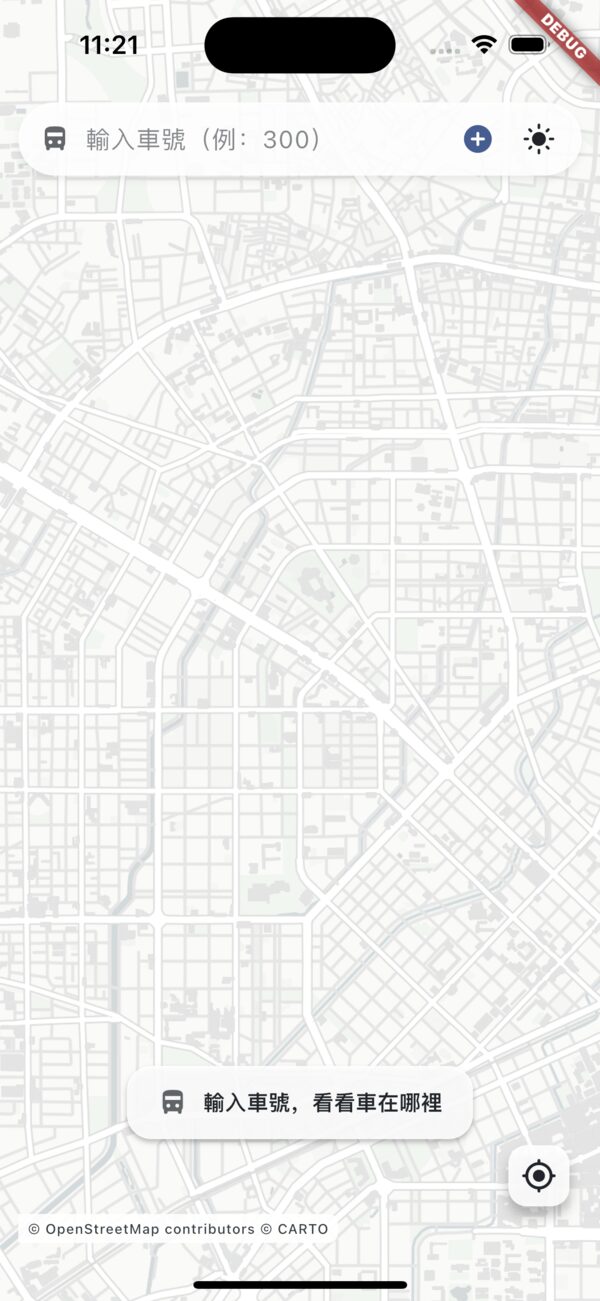
The map is the app. Everything else stays out of the way.
FAQ
Anything else, just email us.
What if I deny location access?
The map opens at the city centre instead, and pinned routes still show their buses and arrival times. To see stops around you, allow location in system settings or tap "back to my location" in the corner.
Why does it keep saying "Arriving"?
The official feed freezes the countdown when a bus is close and just says "Arriving". If it stays frozen for more than two minutes, the app shows "Arriving (stalled 120s)" together with the distance to the stop, so you can tell a bus that is about to pull in from one that has stopped.
Why is the data delayed?
Positions come from the government open data platform. The upstream feed updates every 15–20 seconds and the platform adds tens of seconds of lag. The app projects the marker forward using the bus speed and shows the age of the data in the route panel, so a projected position is never presented as a measured one.
How do I remove a pinned route?
Tap the pinned route chip to open the route panel, then tap the red X in the corner of the card and confirm. The route line and its buses disappear immediately.
Want to know when it launches?
Where Is The Bus is coming to the App Store and Google Play. Send us an email and we will let you know.